By Michelle Avery
If you’ve ever wondered whether you can use ChatGPT on your phone — the short answer is yes. You absolutely can.
And for many people, your phone is actually the easiest place to start.
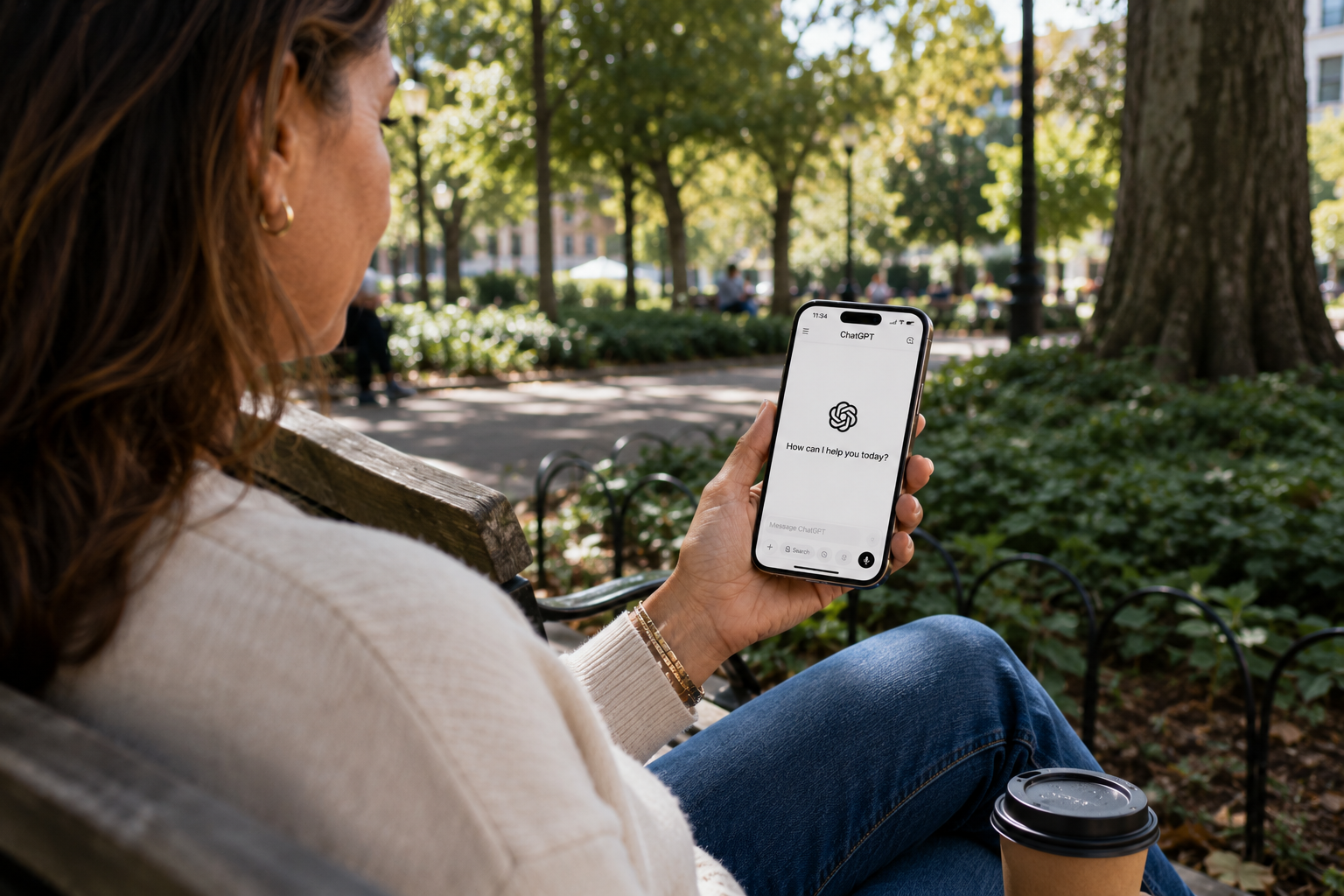
Whether you’re standing in line at the grocery store, waiting for an appointment, relaxing on the couch, or sitting in your favorite chair with a cup of coffee, ChatGPT is always within reach.
The best part? You don’t need a computer to use it.
In this guide, I’ll show you the different ways to use ChatGPT on your phone, explain the difference between the app and the website, and help you decide which option is best for you. (If you’re brand new to all of this, my full step-by-step tutorial for using ChatGPT pairs nicely with this article.)
Do I Need a Computer to Use ChatGPT?
No.
You can use ChatGPT on almost any modern device, including:
- iPhone
- Android phone
- iPad
- Android tablet
- Mac
- Windows computer
As long as you have an internet connection and a ChatGPT account, you can sign in from any of these devices.
There Are Two Ways to Use ChatGPT on Your Phone
Many beginners don’t realize this.
You have two choices:
Option 1: Use ChatGPT in Your Web Browser
You can open your favorite web browser and visit: chatgpt.com
Sign in, and you’re ready to start chatting.
You don’t have to download anything.
Pros
- No app to install
- Works on almost any phone
- Great if you don’t want another app on your device
Cons
- Slightly less convenient than opening an app
- Doesn’t feel quite as integrated with your phone
Option 2: Download the Official ChatGPT App
You can also install the free ChatGPT app from the Apple App Store or the Google Play Store.
Once it’s installed, sign in with the same account you use on the website.
Pros
- Opens quickly
- Feels more like using any other app on your phone
- Easy access to voice conversations and other mobile-friendly features
Cons
- Requires downloading the app
- Takes up a small amount of storage on your phone
💡 Michelle’s Tip: If you’re not sure whether to install the app, start with the website. You can always add the app later. Your account and conversations follow you either way.
For most people, either option works well. Choose the one that feels easiest for you.
How Do I Know I’m Downloading the Real ChatGPT App?
When searching your app store, look for the official ChatGPT app created by OpenAI.
There are many AI apps available, but if you specifically want ChatGPT, make sure the developer is listed as OpenAI.
Does the Free Version Work on My Phone?
Yes.
You can use the free version of ChatGPT on your phone the same way you would on your computer.
If you later decide to upgrade to ChatGPT Plus, those features will also be available when you sign in on your phone.
Will My Conversations Sync Between My Phone and Computer?
Yes.
As long as you sign in with the same ChatGPT account, your conversation history follows you.
That means you can:
- Start a conversation on your computer.
- Continue it later on your phone.
- Pick it up again on your tablet.
Everything stays together in one account.
Can I Talk to ChatGPT Instead of Typing?
Yes — and this is one of my favorite features.
Using the ChatGPT app, you can have a natural conversation instead of typing every message.
Many people enjoy talking with ChatGPT while they’re:
- Walking
- Cooking dinner
- Folding laundry
- Organizing the house
- Brainstorming ideas
- Thinking through a decision
Some people also use hands-free voice conversations while driving, much like they would with another voice assistant. If you choose to do that, always keep your attention on the road and use hands-free features safely. (For more on staying safe with ChatGPT overall, see Is ChatGPT Safe?)
If you’ve never tried talking to ChatGPT, don’t worry — we’ll cover that in another guide.
Which Should You Choose: The App or the Website?
There isn’t a wrong answer.
If you’re already comfortable downloading apps, the ChatGPT app is probably the easiest choice.
If you prefer not to install another app, visit chatgpt.com in your browser.
The experience is very similar either way.
The important thing is getting started.
Frequently Asked Questions
Is the ChatGPT app free?
Yes. The official app is free to download, and you can use ChatGPT’s free plan without paying.
Do I need a different account for my phone?
No. Use the same account on every device.
Will I lose my conversations if I switch devices?
No. Your conversations stay with your account, not your device.
Can I uninstall the app later?
Yes. If you decide you’d rather use the website, you can remove the app at any time.
Michelle’s Thoughts
If you’re reading this on your phone right now, why not try ChatGPT on the same device?
You don’t have to wait until you’re sitting at a desk or using a computer. Whether you choose the app or the website, you’re only a few taps away from asking your first question.
Remember, you don’t have to know everything before you begin. You just need to start.
Continue Learning with WhatIsChatGPT.org
If this article was helpful, grab the free Quick-Start Guide — a plain-English walkthrough delivered right to your inbox.
You may also enjoy How to Sign Up for ChatGPT and How to Use ChatGPT.
Next in this Section
- How to Sign Up for ChatGPT (Free) — if you haven’t created your account yet, start here.
- How to Use ChatGPT: A Step-by-Step Beginner Tutorial — the full tutorial this article pairs with.
- ChatGPT Tips for Seniors — ten small things that make everything easier once you’re in.