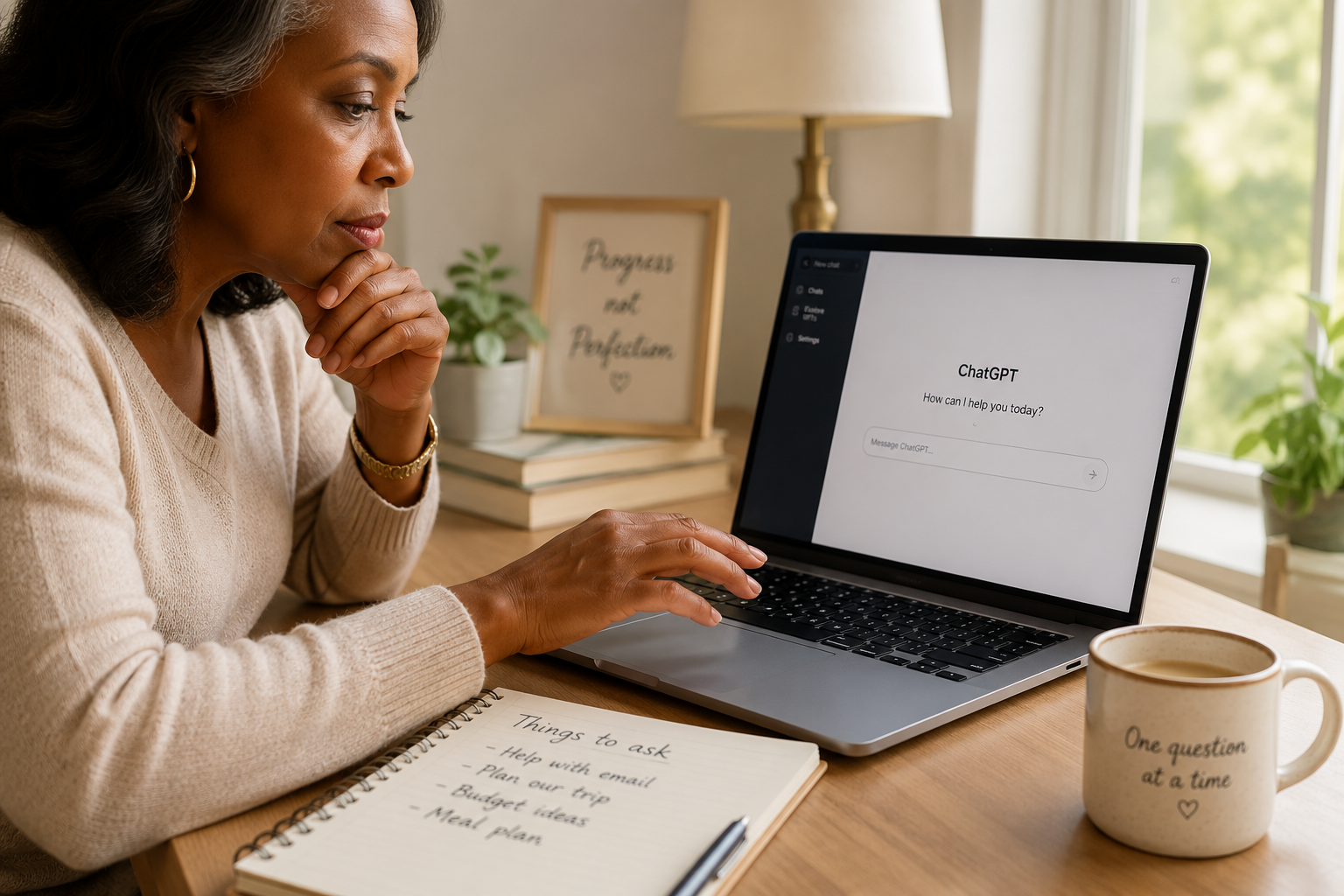
ChatGPT can be an incredibly helpful tool — but like any online service, it’s wise to know what information should stay private.
One of my favorite things about ChatGPT is that it feels surprisingly… human.
You ask a question. It answers. You ask another. It remembers what you were talking about.
After a while, it can start to feel less like using software and more like chatting with someone who’s there to help.
That’s wonderful.
It’s also why it’s important to remember one simple thing:
You’re still using an online tool.
Just as you wouldn’t share certain information in an email, on social media, or with a stranger, there are a few things that are better left out of your conversations with ChatGPT. (For the broader picture, my full guide to whether ChatGPT is safe walks through how to use it wisely.)
The good news? The list is short. And once you know it, using ChatGPT becomes even more comfortable.
Let’s walk through it together.
The 5 Things You Should Never Tell ChatGPT
Quick answer: The 5 things you should never tell ChatGPT are: (1) passwords and security codes, (2) information that could be used to steal your identity like Social Security or bank account numbers, (3) other people’s private information, (4) anything you wouldn’t feel comfortable leaving on your kitchen table, and (5) more detail than you actually need. The simple habit that ties them together: share your questions, not your private information.
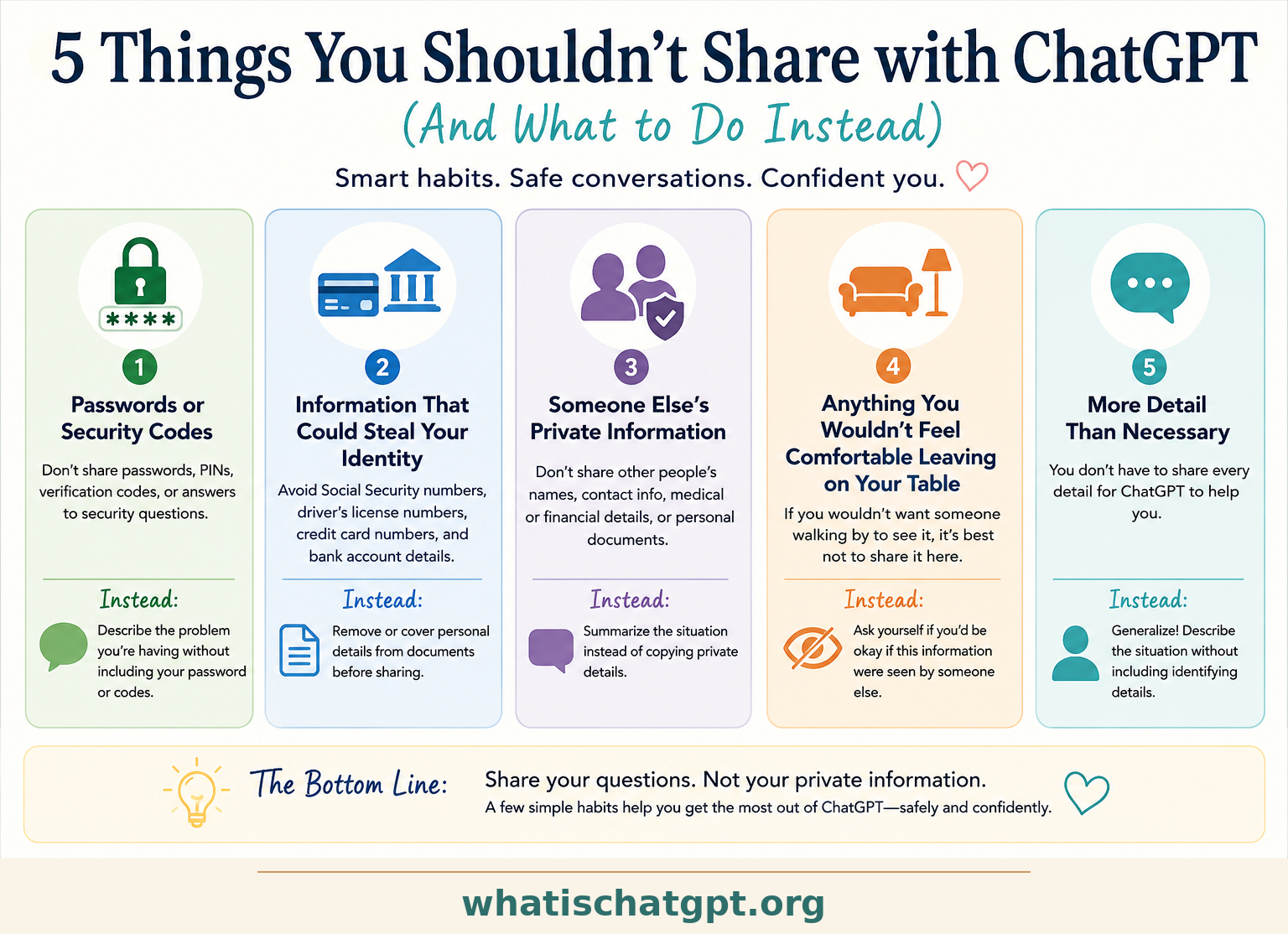
1. Don’t Share Your Passwords or Security Codes
This is the easiest rule to remember.
Never type:
- Passwords
- PIN numbers
- Verification codes
- Two-factor authentication codes
- Answers to security questions
Even if you’re asking for help with a login problem, ChatGPT doesn’t need your actual password to help.
Instead, describe what’s happening.
For example:
Instead of: “Here’s my password. Why won’t this website let me log in?”
Try: “A website keeps telling me my password is incorrect. What are the most common reasons this happens?”
You’ll get helpful advice without sharing private information.
2. Don’t Share Information That Could Be Used to Steal Your Identity
Most of us already know not to hand our personal information to strangers.
The same common sense applies here.
Avoid sharing things like:
- Your Social Security number
- Driver’s license number
- Passport number
- Credit card numbers
- Bank account numbers
If you’re asking ChatGPT to explain a financial form or help you understand paperwork, that’s perfectly fine. Simply remove or cover any personal details first.
💡 Michelle’s Tip: If a document contains information that identifies you, take a minute to remove that information before uploading it. Most of the time, ChatGPT doesn’t need those details to answer your question.
3. Don’t Share Someone Else’s Private Information
This one is easy to overlook.
Imagine a friend asks for help writing an email.
Rather than copying the entire conversation — including names, phone numbers, addresses, or personal details — summarize the situation instead.
For example:
Instead of: “Here’s every email my neighbor sent me…”
Try: “A neighbor and I disagree about a property issue. Can you help me write a calm, respectful response?”
You’ll receive the same quality of help while respecting someone else’s privacy.
4. Don’t Share Anything You Wouldn’t Feel Comfortable Leaving on Your Kitchen Table
This isn’t really about ChatGPT.
It’s about developing a healthy habit.
Here’s a simple question I ask myself:
“If someone unexpectedly walked into the room, would I mind if this information were sitting on the table in front of me?”
If the answer is yes… I probably don’t need to include it.
Most questions become just as useful after removing names, account numbers, addresses, and other identifying details.
That’s often all it takes.
5. Don’t Forget That You Can Generalize
This is probably my favorite tip because so many beginners don’t realize it.
You don’t have to tell ChatGPT everything.
Let’s say you’re planning a family vacation. You don’t need to include everyone’s full names, birthdays, and home address.
Instead, you might simply say:
“I’m planning a beach vacation for four adults and two children in late summer.”
That’s more than enough information for ChatGPT to give excellent suggestions.
The more you practice describing situations instead of identifying people, the more naturally you’ll protect your privacy.
Does This Mean ChatGPT Isn’t Safe?
Not at all.
In fact, millions of people use ChatGPT every day to:
- Plan vacations
- Write emails
- Organize schedules
- Brainstorm ideas
- Learn new skills
- Understand confusing topics
- Prepare for interviews
- Create meal plans
Those are wonderful uses for ChatGPT.
The goal isn’t to make you nervous. The goal is to help you build a few simple habits that let you enjoy all of those benefits with confidence. (And if you’d like a related read on when ChatGPT gets things wrong — and how to spot it — see When ChatGPT Gets It Wrong: Hallucinations Explained.)
⚠️ A Common Beginner Mistake: Many new users think ChatGPT needs every tiny detail in order to help. Usually… it doesn’t. You’ll often get equally helpful answers by describing the situation instead of identifying the people involved.
Instead of: “My cousin Jennifer, who lives at…”
Simply write: “A family member…”The advice will almost always be just as useful.
✅ Try This Today: Open ChatGPT and ask one of these questions. Notice how none of them require personal information.
- “Help me plan healthy dinners for this week.”
- “Explain compound interest in simple language.”
- “Suggest a packing list for a weekend trip.”
- “Help me write a thank-you note.”
- “Teach me something interesting about national parks.”
You’ll quickly discover that ChatGPT can be incredibly helpful without needing to know private details about your life.
Frequently Asked Questions
Can ChatGPT see everything on my computer?
No. ChatGPT only knows what you choose to share during your conversation or through features you’ve intentionally enabled.
Can I upload documents?
Yes. Before uploading documents, take a quick look to see whether they include information that identifies you or someone else. If they do, consider removing those details first.
What if I accidentally shared something personal?
Don’t panic. If you realize you’ve shared more information than you intended, simply avoid repeating the mistake going forward. Building good habits is more important than expecting perfection.
Should I stop using ChatGPT because of privacy concerns?
No. The same practical habits you already use with email, online shopping, and social media will serve you well with ChatGPT too. A little awareness goes a long way.
Final Thoughts
One of the reasons I enjoy using ChatGPT is because it makes everyday tasks feel easier. And I don’t want concerns about privacy to keep anyone from experiencing that.
Instead… I hope you’ll remember one simple idea:
Share your questions. Not your private information.
That’s a habit that will serve you well — not only with ChatGPT, but with almost every online tool you use.
And once that habit becomes second nature, you can focus on what ChatGPT does best: helping you learn, create, solve problems, and save time.
A companion video is coming soon to my new YouTube channel — I’ll walk through these 5 rules with real examples on screen. Watch for the link here once it’s live.
Continue Learning with WhatIsChatGPT.org
If you found this article helpful, grab the free Quick-Start Guide — beginner-friendly tutorials, practical tips, and new Reference Articles designed to help you use ChatGPT with confidence, one question at a time.
You may also enjoy How to Sign Up for ChatGPT and What Can ChatGPT Do?
Next in this Section
- Is ChatGPT Safe? What Every Beginner Needs to Know — the broader guide these 5 rules sit inside.
- When ChatGPT Gets It Wrong — the other piece of the trust picture: knowing when to double-check the answer.
- How to Sign Up for ChatGPT (Free) — if you landed here before creating your account, start with this.