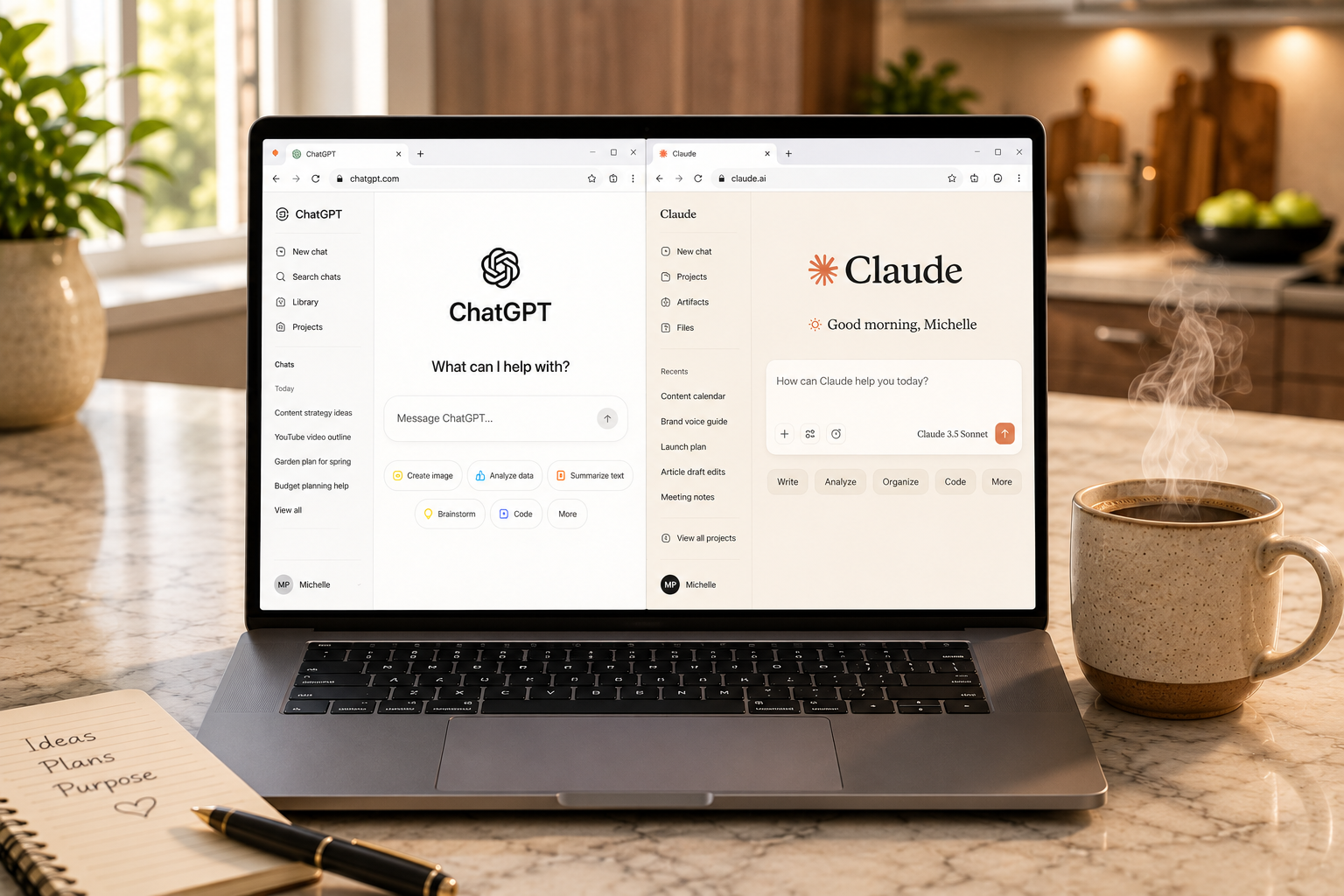
Every week, someone asks me the same question.
“Which AI is better… ChatGPT or Claude?”
My answer usually surprises them.
I use both.
Not because I can’t decide which one is “the best.”
But because I’ve learned something that changed the way I work with AI.
The most productive AI users I know don’t spend much time arguing about which chatbot is better.
Instead, they ask a different question:
“Which tool is best for what I’m trying to accomplish right now?”
That small shift in thinking makes an enormous difference.
Just like a photographer doesn’t use the same lens for every shot, or a chef doesn’t use the same knife for every task, I don’t expect every AI model to excel at everything.
Each has strengths.
Each has weaknesses.
And together, they’ve become an important part of how I create, solve problems, and learn.
In this article, I’ll explain why I use both ChatGPT and Claude, where each one shines, where each one falls short, and how using them together has made me better — not just at using AI, but at thinking.
A Quick Note Before We Start
This isn’t a technical article.
It’s written for everyday users — people who use AI to help with their work, their creativity, and the many small decisions that fill a regular day.
Not developers.
Not tech experts.
Just curious people who want to get more out of the AI tools they already use.
If that’s you, keep reading.
First, Let’s Get One Thing Out of the Way
If you’re brand new to AI…
You don’t need both.
In fact, I usually recommend that beginners start with one platform, learn it well, and become comfortable having conversations with it before exploring alternatives.
If you’re already reading WhatIsChatGPT.org, you’ve probably noticed that most of my tutorials use ChatGPT.
That’s intentional.
It’s an excellent place to begin.
But once you move beyond the basics, you start discovering that different AI tools have different personalities, strengths, and ways of helping.
That’s when using more than one can become incredibly valuable.
What ChatGPT and Claude Have in Common
Before we talk about the differences, it’s worth mentioning just how similar they are.
Both ChatGPT and Claude can help you:
- Write articles, emails, and reports
- Brainstorm ideas
- Explain difficult topics
- Summarize long documents
- Analyze documents, spreadsheets, images, and other information
- Generate code
- Help you learn new skills
- Answer questions
- Solve problems
If all you ever did was use one of them, you could accomplish a tremendous amount.
The differences don’t usually appear in what they can do.
They appear in how they do it.
Where ChatGPT Fits Into My Workflow
If I had to describe ChatGPT in one word, it would be:
Collaborative.
I don’t simply ask ChatGPT questions.
I think with it.
Some of my best ideas didn’t begin as polished plans.
They started as half-formed thoughts.
A sentence.
A frustration.
A “What if…”
Then the conversation begins.
We explore possibilities.
Challenge assumptions.
Try different directions.
Throw away ideas.
Build better ones.
Sometimes what starts as a simple question becomes an hour-long conversation that leads somewhere I never expected.
That’s one of the reasons I keep coming back.
For me, ChatGPT isn’t just answering questions.
It’s helping me think.
It’s helping me see possibilities I would have missed.
It’s helping me make decisions I feel good about.
ChatGPT Helps Me Build Systems
One thing I’ve discovered over time is that ChatGPT is especially good at helping me connect ideas.
Instead of solving one problem at a time, it helps me build the kind of thinking that solves many problems at once.
For example, over the past year, ChatGPT has helped me:
- Map out project plans I couldn’t see the shape of on my own
- Think through decisions from angles I hadn’t considered
- Build frameworks I still use week after week
- Organize scattered research into something I could actually work with
- Turn a mess of notes into a real strategy
- Sort priorities when everything felt urgent
- Analyze complex documents without feeling overwhelmed
- Compare multiple options before making a big decision
- Research unfamiliar topics in far more depth than a traditional search engine
- Prepare for conversations I was nervous about
None of those breakthroughs appeared fully formed.
They evolved through conversation.
That’s one of ChatGPT’s greatest strengths.
Where Claude Fits Into My Workflow
When most people hear “Claude,” they picture something like ChatGPT — a chat window where you type and it answers.
That’s one way to use Claude.
But it isn’t the way I use it.
The version of Claude I work with is called Cowork mode.
It runs on my computer instead of in a browser tab.
And that small change turns Claude into something entirely different — less of a chatbot, more of an operations partner.
Here’s what I mean.
Cowork remembers.
It knows my brand, my rhythm, my calendar, the names of the projects I’m juggling.
When I open a new session in the morning, I don’t have to re-explain anything.
It picks up where we left off — sometimes days later.
Cowork can see my files.
Not pasted-in text.
Actual files on my computer.
When I need to update a document, I don’t copy anything into a chat window.
I say what needs to change, and it happens.
Cowork can do things — not just write about them.
It can pull information from the apps I use every day, schedule tasks to run automatically in the background, and keep multiple projects organized without me holding it all in my head.
If ChatGPT is where I think, Cowork is where things get built.
That’s the difference that changed how I work.
One imagines.
The other executes.
The Biggest Lesson I’ve Learned
For a long time, I asked the wrong question.
Which AI is better?
Now I ask:
Which AI is better for this task?
That changed everything.
I stopped comparing them.
I started combining them.
My Typical Workflow
Every project is different, but many of them follow a similar rhythm.
Step 1: Explore
I usually begin in ChatGPT.
This is where I think out loud.
Ask questions.
Try on new ideas.
Push back against my own assumptions.
Nothing is committed yet — I’m just seeing what’s possible.
Step 2: Shape
Once the direction feels clear…
I ask ChatGPT to help me organize the ideas into something I can actually use.
An outline for a project.
A framework for a decision.
A plan for the week.
A list of the questions I still need to answer.
By the end of this step, I have something structured — not something finished, but something I can put to work.
Step 3: Execute
This is where Cowork takes over.
Cowork picks up whatever I built with ChatGPT and helps me put it into motion.
It keeps track of the moving pieces.
It updates the files I’m working on.
It reminds me what I said I’d do.
It runs the parts that don’t need me sitting there.
This is where ideas stop being ideas and start becoming results.
Step 4: Adjust
The plan almost always changes.
As soon as real life meets the plan, something needs adjusting.
Cowork adjusts with me — because it remembers where we started and can see where we are now.
I never start from zero.
Real-World Comparison
Here’s a quick way to think about which tool I reach for, based on what I need to do:
| If I need to… | I usually turn to | Why |
|---|---|---|
| Brainstorm new ideas | ChatGPT | Best partner for exploration and thinking out loud |
| Talk through a decision | ChatGPT | Great at pushing back and asking the right questions |
| Draft something quickly | ChatGPT | Fast, flexible, forgiving |
| Manage an ongoing project | Claude (Cowork) | Remembers context across days and weeks |
| Work with actual files | Claude (Cowork) | Reads and writes documents directly |
| Automate recurring work | Claude (Cowork) | Can schedule and run tasks on my behalf |
| Anything important | Both | Two very different perspectives, one much better result |
And if you prefer a more direct capability comparison, here’s how I’d honestly rate each one:
| Capability | ChatGPT | Claude Cowork |
|---|---|---|
| Brainstorming | Excellent | Good |
| Strategic thinking | Excellent | Good |
| Long-term conversations | Excellent | Very Good |
| Deep research | Excellent | Good |
| Working with documents | Excellent | Excellent |
| Photorealistic image generation | Excellent | Limited |
| Visual design & diagrams | Excellent | Excellent |
| Project execution | Good | Excellent |
| Automation | Limited* | Excellent |
| File management | Good | Excellent |
| Ongoing operational work | Good | Excellent |
*ChatGPT’s automation depends on which tools and integrations you’ve enabled. Cowork is designed around execution from the start, so it operates differently by default.
Where They Both Make Mistakes
One thing I appreciate about both tools is that neither is perfect.
Both can:
- Misunderstand vague instructions
- Occasionally make factual mistakes
- Sound overly confident
- Miss important context
- Produce generic answers when given generic prompts
- Occasionally miss nuance or context that only you can provide
That’s why I don’t expect perfection from either one.
I expect partnership.
The better I communicate, the better they perform.
(If you want a simple framework for that, my TEA formula for getting better answers works with any AI tool — not just ChatGPT.)
The Best AI Users Aren’t Looking for a Winner
One of the biggest aha moments I’ve had over the past year is realizing the conversation shouldn’t be about competition.
It should be about collaboration.
When people ask me whether ChatGPT is better than Claude, I usually smile.
Because the answer depends entirely on what you’re trying to do.
Some days I spend hours inside ChatGPT.
Other days I lean heavily on Cowork.
Most weeks…
I use both.
Final Thoughts
If I could only keep one AI assistant today…
I’d have a hard time choosing.
ChatGPT is where I think.
Cowork is where things get done.
Together, they help me turn ideas into action.
They serve two completely different needs — and I’ve come to rely on both.
But if you’re just getting started with AI, you don’t need to worry about all of that yet.
Start with one.
Learn it well.
Get comfortable having conversations with it.
Then, when you’re ready, explore what else is possible.
The goal isn’t to find the “best” AI.
The goal is to understand the strengths of each one — and use them wisely.
AI is most powerful when it expands your thinking — not when it replaces it.
That, for me, is the real value.
💡 Michelle’s Tip: Try this today — pick something you’ve been meaning to think through (a decision, a plan, a project you keep putting off). Open ChatGPT and start a conversation about it. Not with a perfect prompt. Just with what’s actually on your mind. That’s how it starts.
Know Someone Who’s Still Nervous About AI?
Share my Free Quick-Start Guide with them.
It’s a plain-English walkthrough — the kind of gentle first step that helps someone finally take the leap.
Every person who gets a little more comfortable with AI is one more person who feels a little more capable in a world that’s changing fast.
Continue Learning with WhatIsChatGPT.org
If this article was helpful, grab the free Quick-Start Guide — a plain-English walkthrough delivered right to your inbox.
You may also enjoy How to Get Better Answers From ChatGPT and How to Use ChatGPT.
Next in this Section
- How to Get Better Answers From ChatGPT — the TEA formula for prompting any AI more effectively
- Best ChatGPT Prompts for Beginners — 75+ ready-to-use starter prompts
- How to Use ChatGPT — the step-by-step tutorial for total beginners